Update the IAM Role
Keep the unusd.cloud IAM Role up to date to benefit from new detection capabilities and service coverage.
Updating ensures you get the latest read-only permissions. See Security for the full permission list.
Steps
- Go to app.unusd.cloud and find the account you want to update
- Click the three-dot menu at the end of the row and select Edit

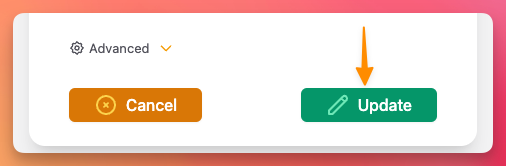
- Click the Update button at the bottom of the modal
- A deployment modal will appear with the latest CloudFormation template
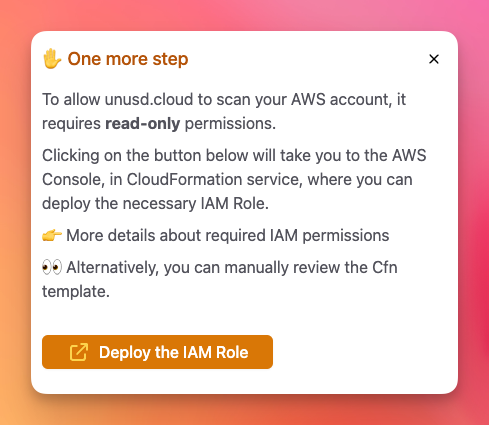
- You will be redirected to the CloudFormation console. If you have a previous version of the stack deployed, delete it first, then deploy the new template.
For multi-account deployments managed via StackSets, update the StackSet template instead. See the Multi-Account Deployment guide.
Keep on chasing 🧡